2 Ways Sync
Pulls from your queue, recent playback, saved albums, or current playlist and keeps artwork ready locally.
 Spotyflow
Bring the magic of CoverFlow back to your Spotify library.
Not Available for macOS Tiger, Leopard, and Snow Leopard. Works with Ventura, Sonoma, Sequoia.
Scroll, drag, or use arrow keys
There was a time when browsing your music library felt like flipping through vinyl at a record shop. CoverFlow turned every album into something you could see, something you could touch - artwork gliding under your fingertips in three dimensions.
Apple introduced it in 2006 and, without warning, quietly removed it in 2012. No farewell. No replacement. Just a flat list where an experience used to be.
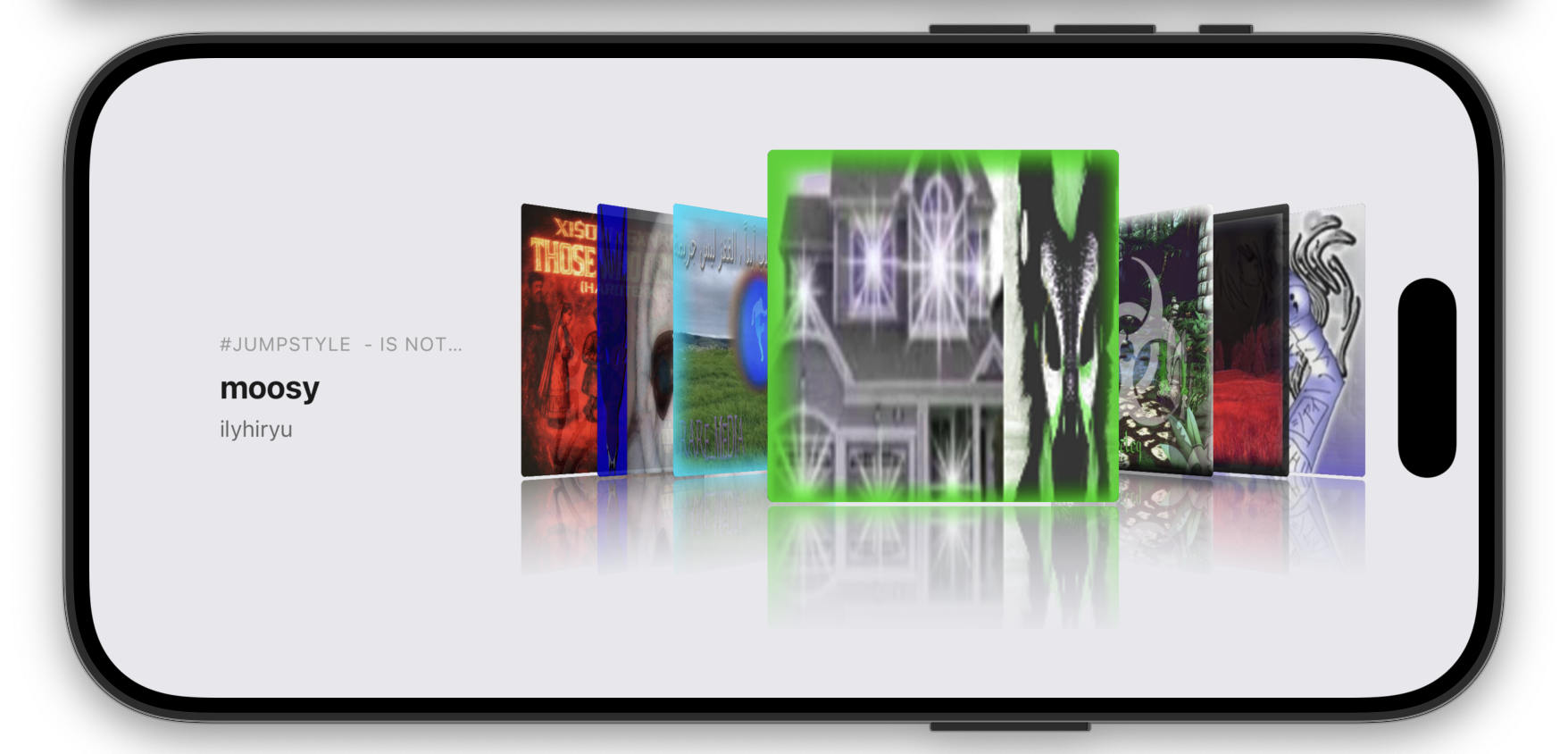
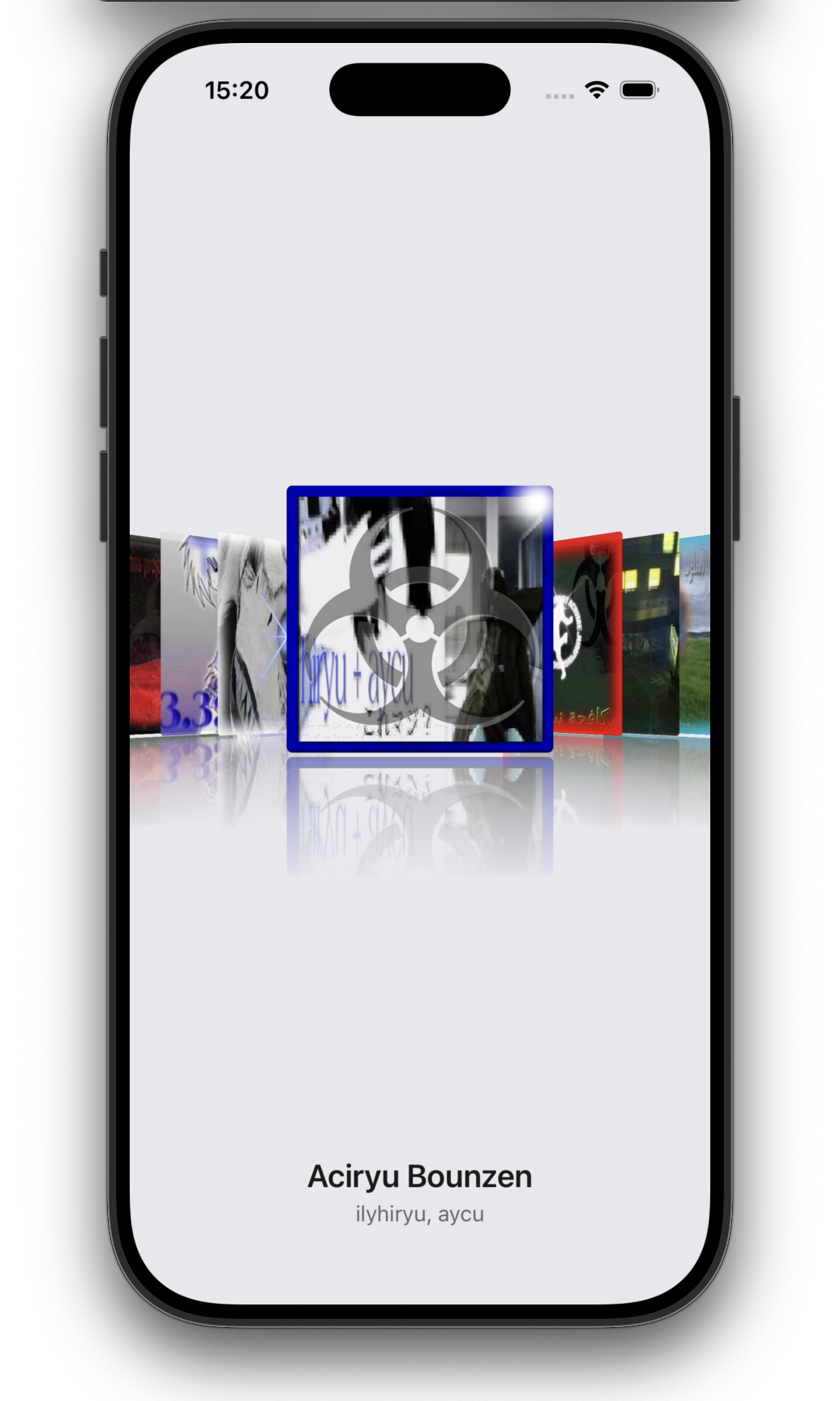
We never stopped missing it. So we rebuilt it - not as a museum piece, but as something alive. SpotyFlow connects to your Spotify library and gives every album the stage it deserves, the way it was always meant to be explored.

Pulls from your queue, recent playback, saved albums, or current playlist and keeps artwork ready locally.
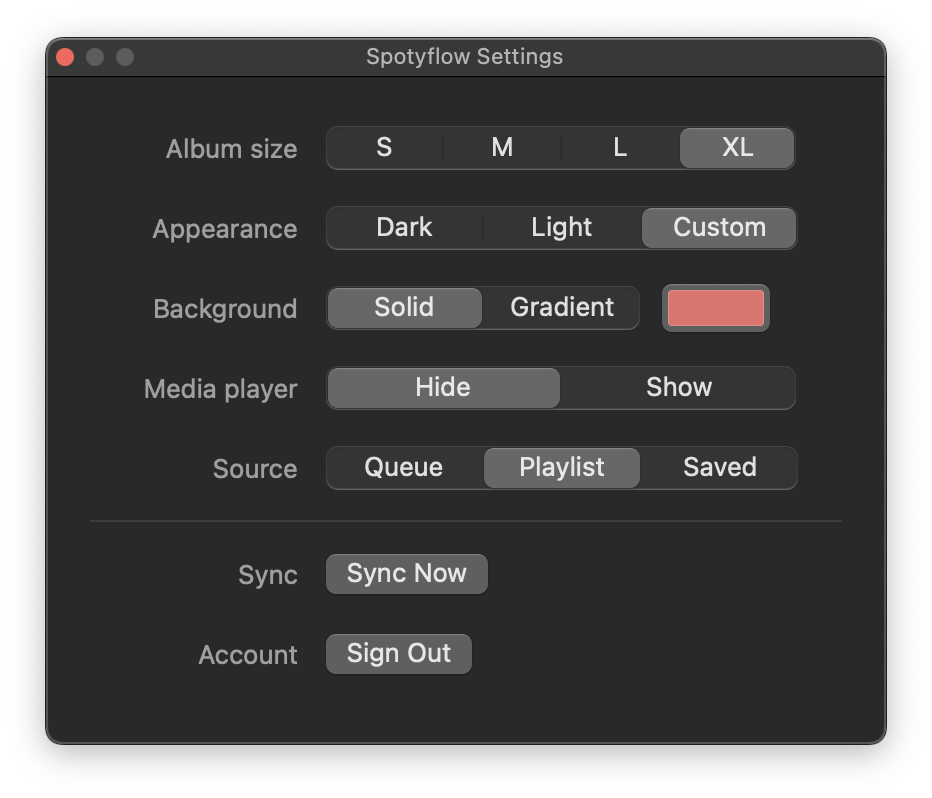
Customize background, gradient Album cover size and playback rules
Move through covers with arrow keys, horizontal trackpad scroll, and drag gestures
Keep a music wall alive on a desk Mac, external display, or idle screen without turning the room into a dashboard.
Spotyflow works with Spotify only.
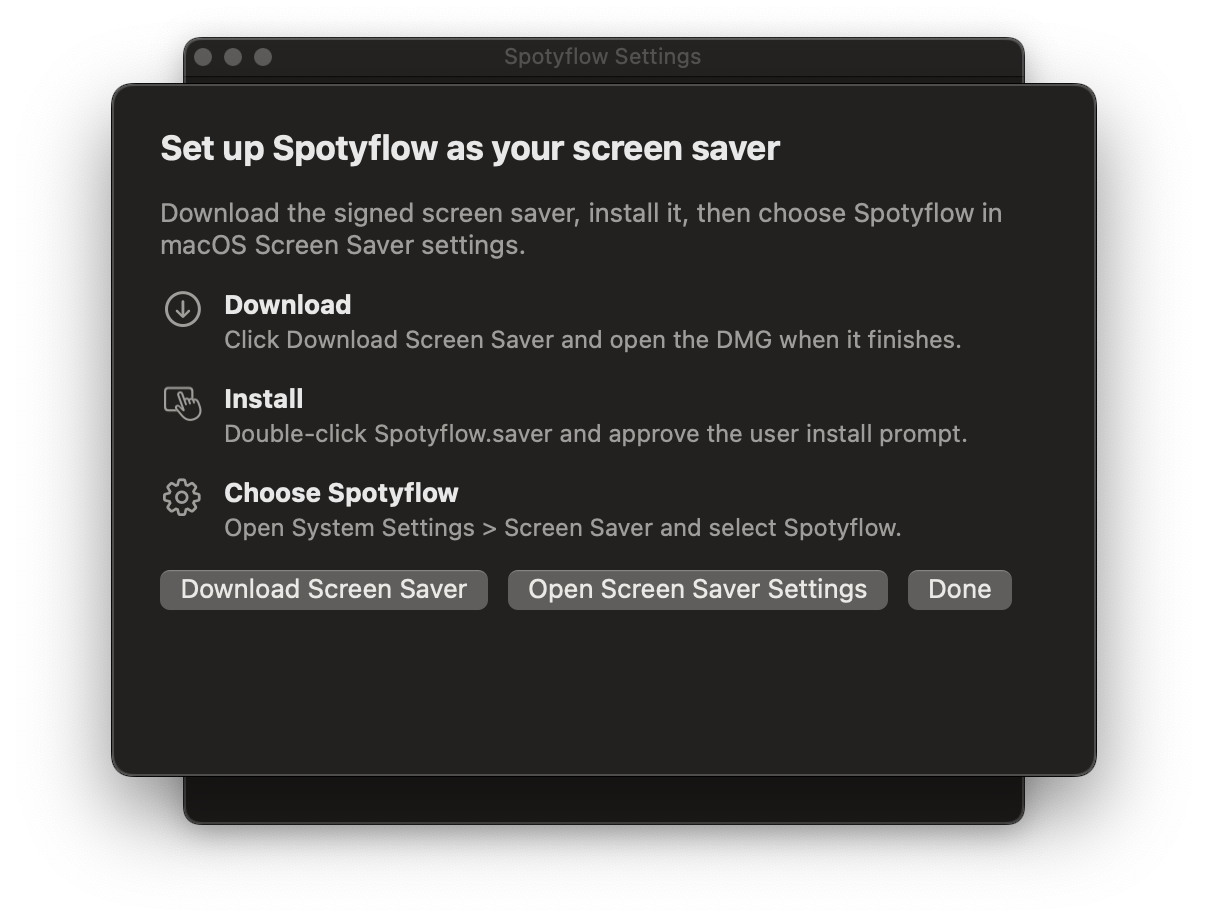
Native macOS app with the CoverFlow album wall and a screen saver for your desk display.
Download MacTurn your plugged-in iPhone into an album wall with an automation-powered standby screen.
Share your Spotyflow desk, display, or music wall and tag @freddy_0x.



Not Available for macOS Tiger, Leopard, and Snow Leopard. Works with Ventura, Sonoma, Sequoia.
Download now